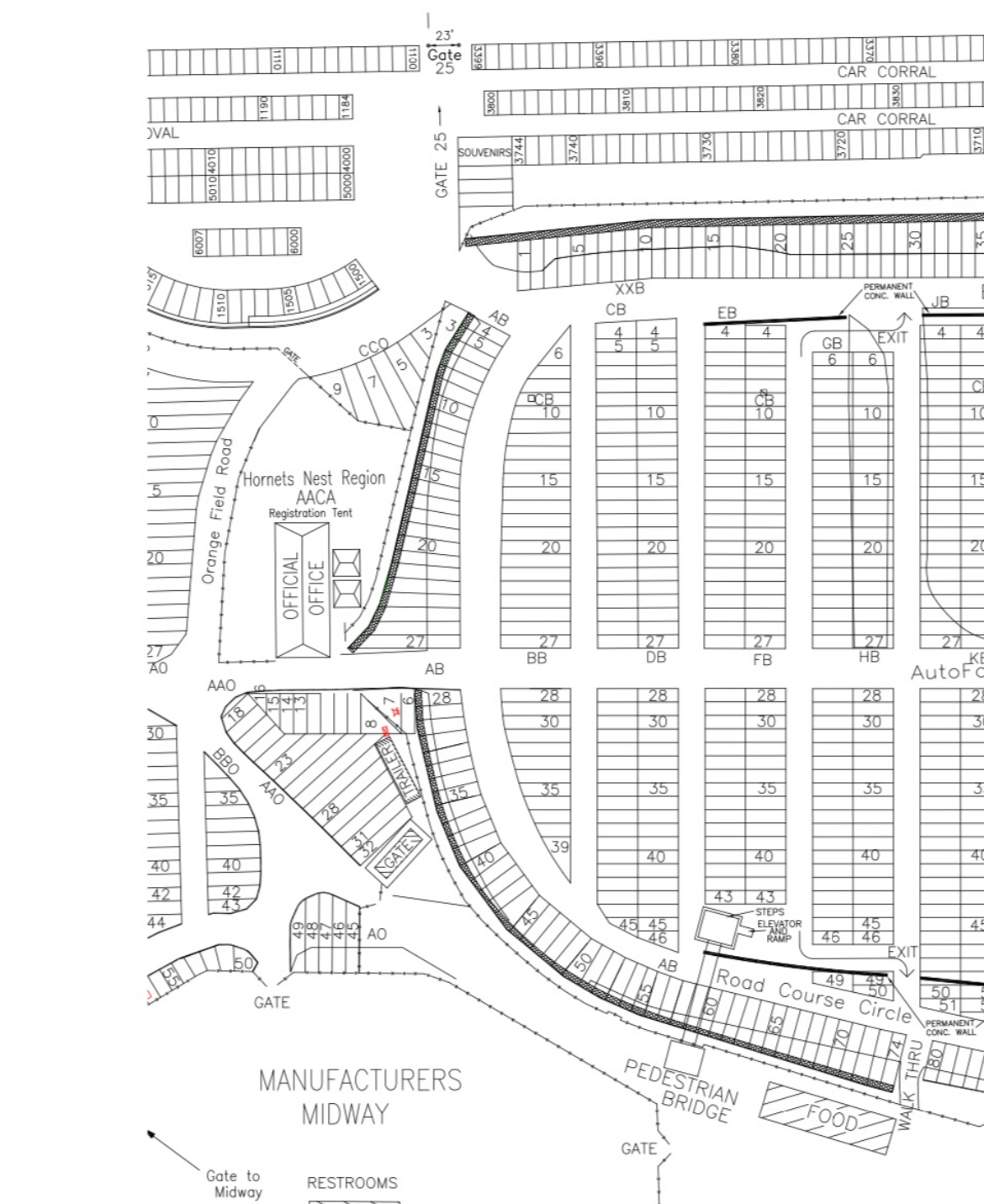
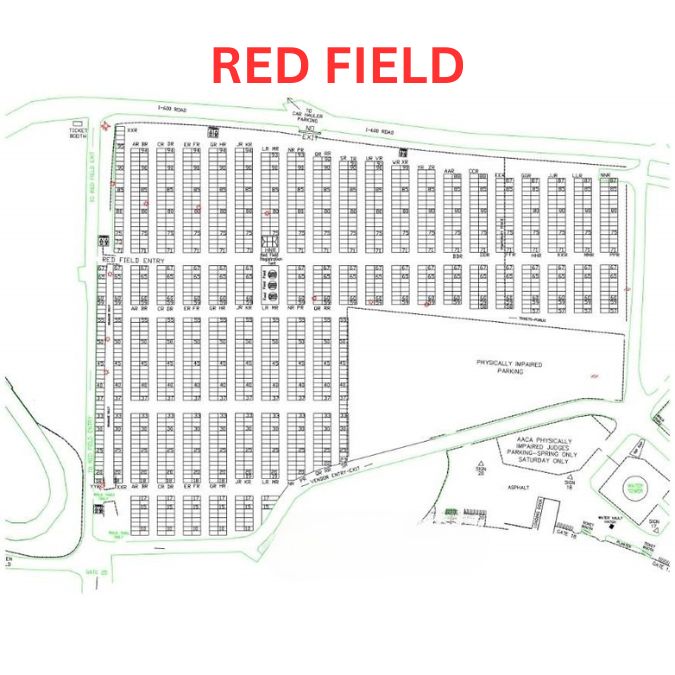
Charlotte AutoFair
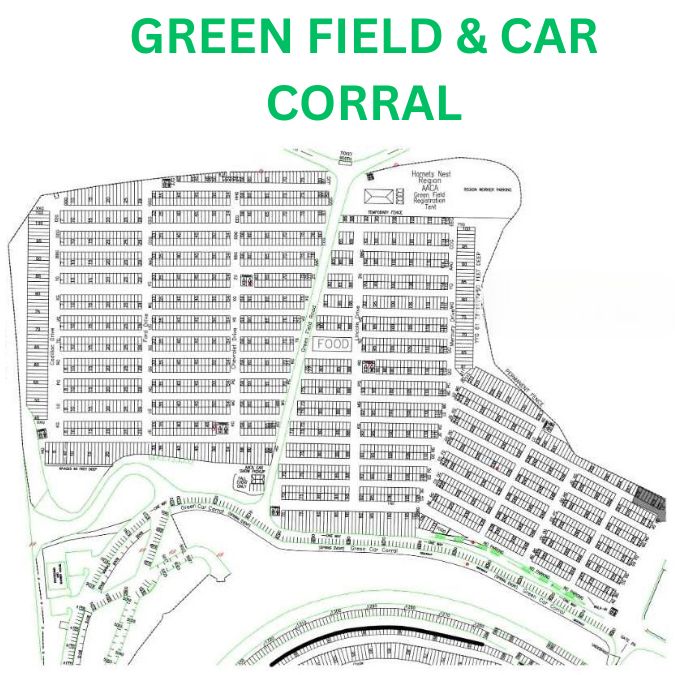
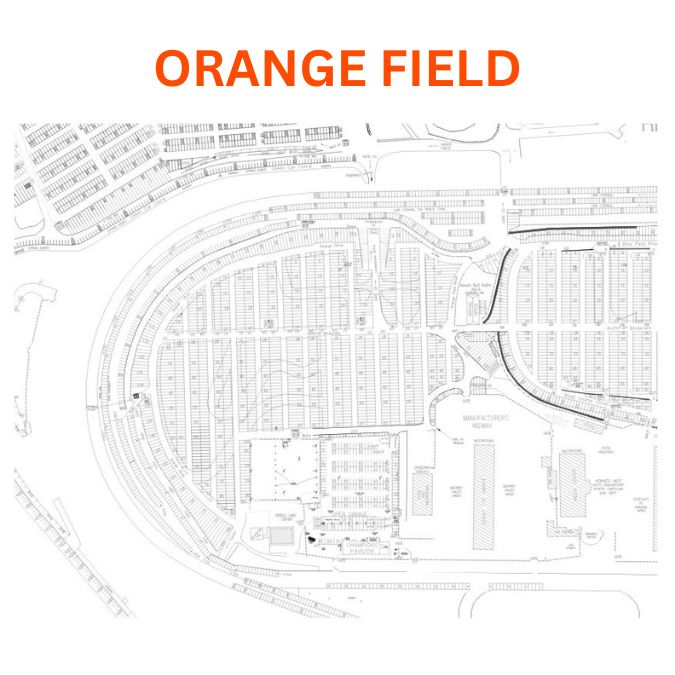
Event Layout Maps - Phone 704-841-1990
Regarding Map Details
NOTE: If you are using a NEWER version of Microsoft INTERNET EXPLORER you will need to TURN OFF
ENABLE AUTOMATIC IMAGE RESIZING to be able to see the ENTIRE GIANT SIZE (6x) DETAILED views listed above.
Otherwise Explorer will automatically RE-SIZE them to fit the screen. Here is how to do it:
- Click on TOOLS on the main menu bar
- Select INTERNET OPTIONS
- Select the ADVANCED Tab
- Move down to the MULTIMEDIA Section
- Make sure ENABLE AUTOMATIC IMAGE RESIZING is NOT selected! (the box should be empty)
- Now click the APPLY button and then the OK button to exit
- It will remain UN-selected until you manually reactivate it
Jump to our HOME PAGE
This Page LAST UPDATED: February 13, 2008